
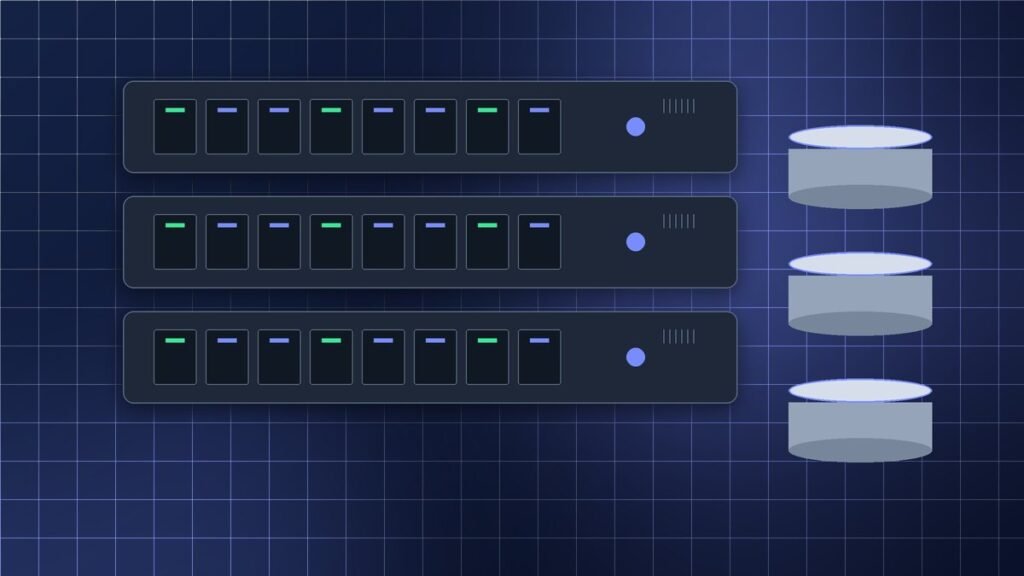
Servers and storage provide the compute and data services behind business applications, virtualization, databases, file services, and backup. Selecting equipment begins with the work it must perform, not simply the largest processor or drive count available.
Match hardware to the workload
Estimate processor cores, memory capacity, storage performance, network bandwidth, and expansion needs for each application. Virtualization hosts may benefit from balanced CPU and memory resources, while analytics or database systems can place greater demands on memory latency and storage I/O. Check supported processor generations, DIMM types, drive form factors, RAID options, network adapters, power supplies, and management licenses for the exact server model.
For storage, compare usable capacity after redundancy, performance under expected workloads, drive endurance, cache behavior, backup windows, and recovery requirements. SSDs can improve latency for active workloads; larger capacity drives may suit archives and less frequently accessed data. Confirm that controllers, firmware, operating systems, and hypervisors support the planned configuration.
Plan lifecycle and continuity
Use redundant power and network paths where the service requires them, and test failover instead of assuming it works. Keep verified backups separate from production credentials and test restoration at a useful scale. Monitor drive health, temperatures, memory errors, and component alerts. Maintain a record of serial numbers, warranty or support status, firmware, and installed components.
Before adding a used, refurbished, or new system to production, verify its condition, configuration, compatibility, and support options. A workload review helps determine whether to expand existing capacity, refresh a server, or distribute services across several systems.